
01 / A calm introduction to a general dental practice
Ivory
A reception publication with a centered serif masthead, wide interior photograph and practical first-visit notes.
AI-generated example. Not a real business or customer project.
CHOOSE A DESIGN. KEEP ITS FILES TOGETHER.
Four distinct designs for four different client briefs. Choose one complete kit and keep its files together.
If your browser does not save the ZIP, keep your work and use the individual evaluation kit pages. These online pages remain available for review.
Check your saved collection ZIP before extracting it. The check stays on your device and compares the original file with this current evaluation.
Prepare a collection issue note if you need help. Keep your original ZIP and your working files.
01 / A calm introduction to a general dental practice
A reception publication with a centered serif masthead, wide interior photograph and practical first-visit notes.
AI-generated example. Not a real business or customer project.
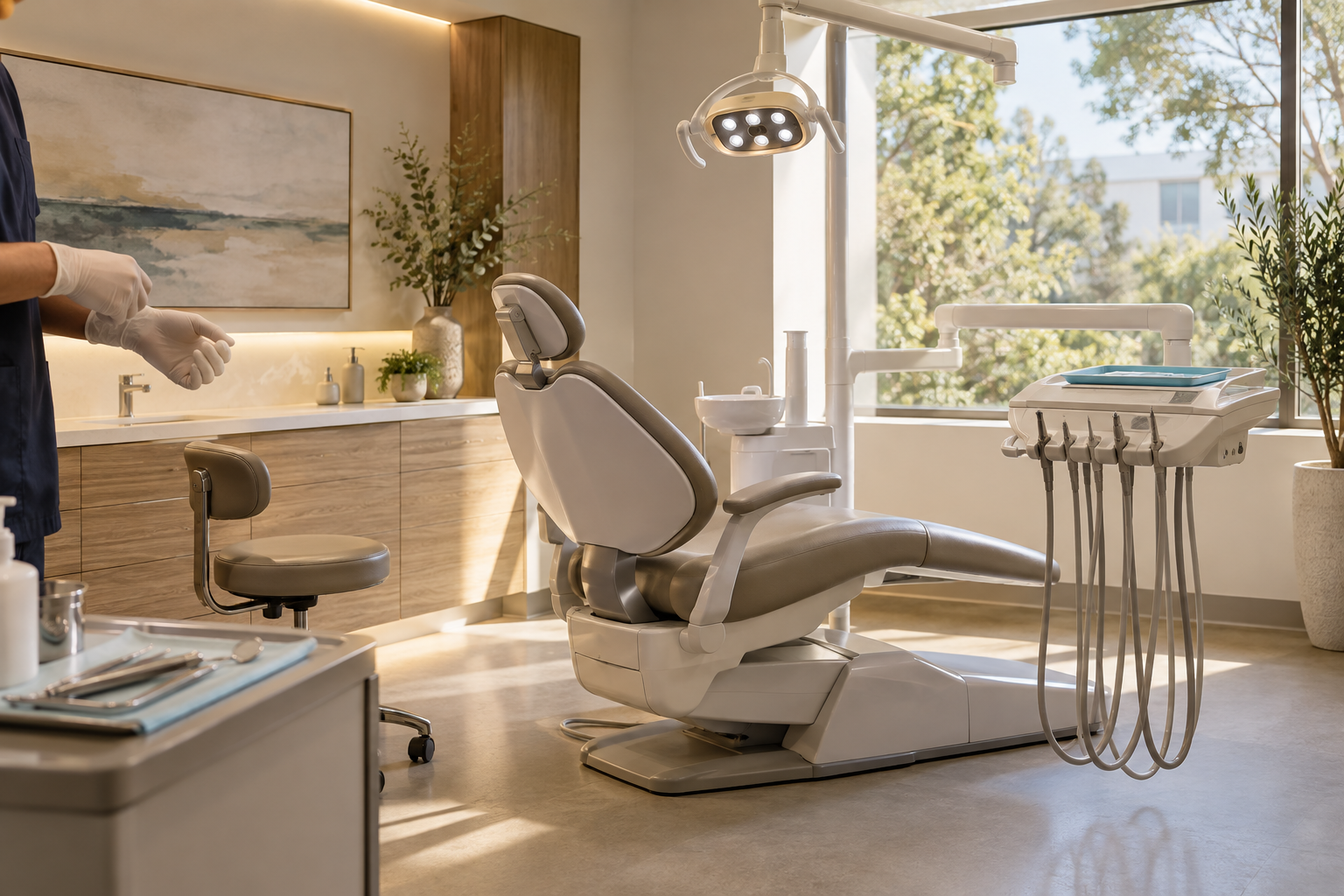
02 / Consultation-led practice presentation
An ultramarine clinical introduction with oversized sans-serif type, a consultation index and panoramic room scene.
AI-generated example. Not a real business or customer project.

03 / Practical first-visit information for families
A mustard-and-ink family welcome with a broad headline, picture-and-note story and staggered appointment notes.
AI-generated example. Not a real business or customer project.

04 / A structured consultation and follow-up journey
A plum consultation publication with a measured serif opening, offset room portrait and numbered pathway.
AI-generated example. Not a real business or customer project.
ONE PROJECT, ONE COMPLETE KIT
01 / EXTRACT
Extract the whole ZIP before opening START-HERE.html. Keep this original folder. Do not run pages from inside the ZIP.
02 / COPY ONE DESIGN
Copy the whole designs/DESIGN folder to a separate private working folder. Open that copy’s START-HERE.html. Keep its website and documents folders together.
03 / SAVE AND REOPEN
Use that design’s setup and guide. Save, reopen and install its settings. Review home, services and details, then save and reopen an editable handoff draft. Keep unperformed checks unchecked.
Never merge files from different designs. Every kit uses names such as site-config.js. A matching filename does not mean matching settings. Keep browser-added numbers out of installed filenames and retain a backup before replacement.
Only the reviewed website folder belongs in a future public copy, after commercial and publication requirements are resolved. Workbooks, handoff drafts, the collection guide and tools stay private.
KEEP MOVING WITHOUT LOSING YOUR WORK
Use your browser’s Back control or reopen the collection’s START-HERE.html. Each design keeps its original navigation. Save and reopen current setup or handoff work before leaving; entries do not autosave.
Keep the current file and your last working copy. Follow the chosen design’s restoration instructions in its setup guide. Do not install another design’s settings, delete your only copy or weaken browser security settings.
The shared page-details toolkit supports all 24 designs across six industries. This collection includes only the four shown above. Use the editor link beside your design, then choose its actual homepage, services or details HTML. The toolkit does not include extra websites or save current edits automatically.
The collection includes its styles, example images, website scripts and page editor. JavaScript must be enabled for setup and website content. If your browser restricts local files, use a local static preview with your normal development tools; do not bypass security warnings. Hosting, domains, booking and payments are separate.
Four named three-page websites, their own settings/recovery tools, guides, practice and handoff files, plus one separate page-details editor. Plain HTML/CSS editing is needed for fixed layout and content. This is not WordPress or a visual page builder. It makes no new support, license or update promise.